

Get started in 2 minutes
Creating a Fanz account is extremely quick and simple. The entire process takes less than 2 minutes and you only need a Google email.
Before you begin
Make sure you have:
- A Gmail account – We recommend using Google to sign in because it's faster and you don't need to remember passwords.
- Your company information – Legal name, tax ID, and address (you'll need this when creating your brand).
Step 1: Access Fanz
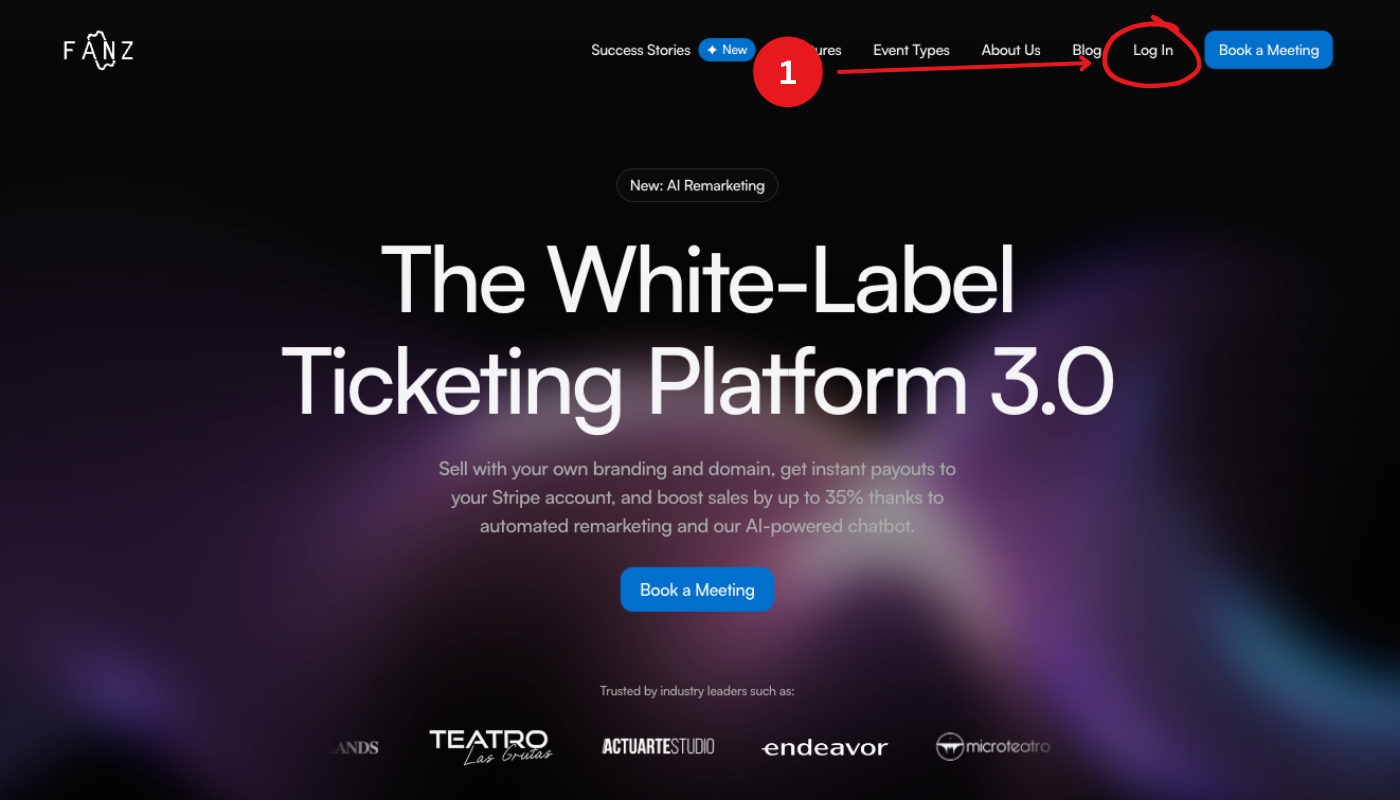
- Open your browser and go to fanz.com.ar
- In the top right corner, click "Sign in"
Step 2: Sign in with Google
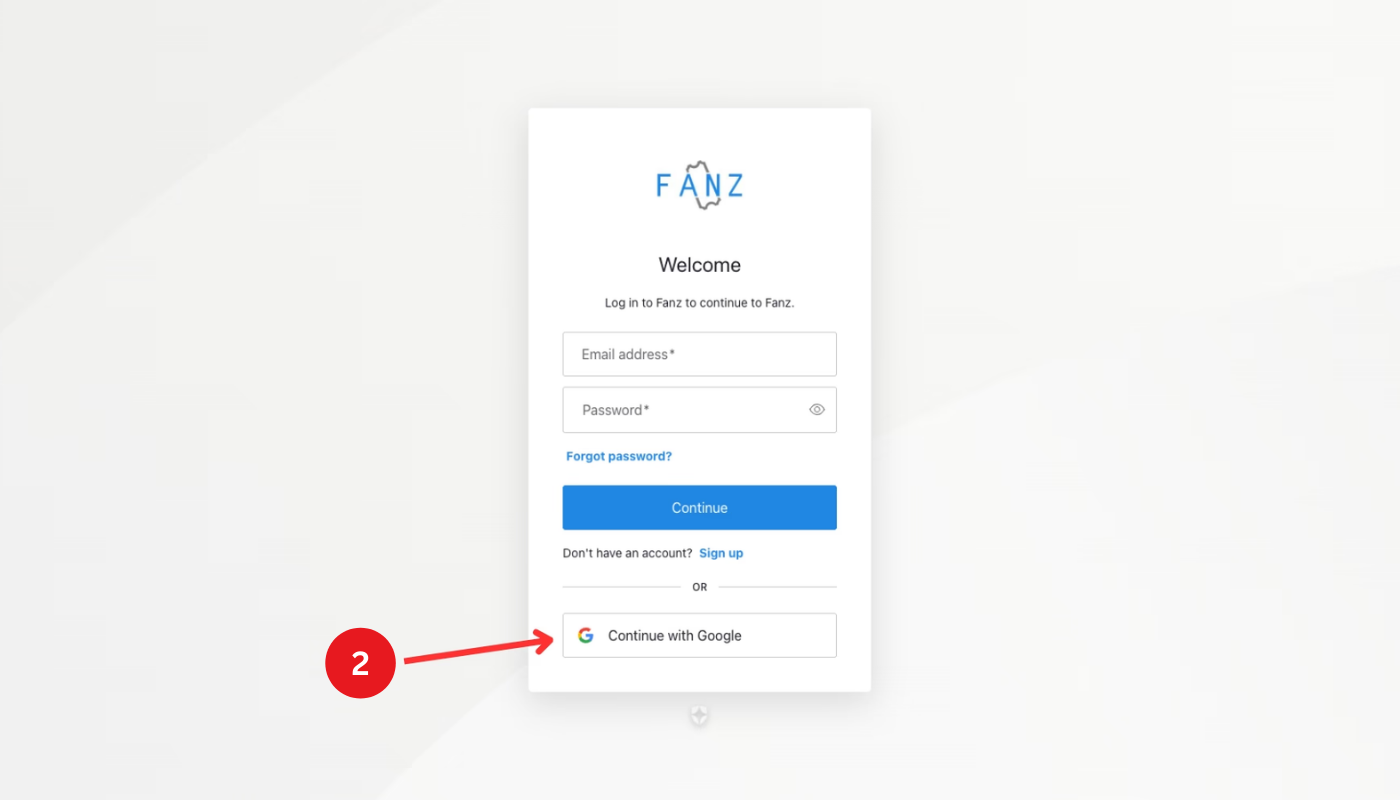
On the login screen you'll see two options:
- Sign in with Google (recommended)
- Sign in with email and password
We recommend using Google because:
- It's faster (one click)
- No passwords to remember
- It's more secure
- Makes account recovery easier
Click "Continue with Google" and select your Gmail account.
Step 3: Create your first brand
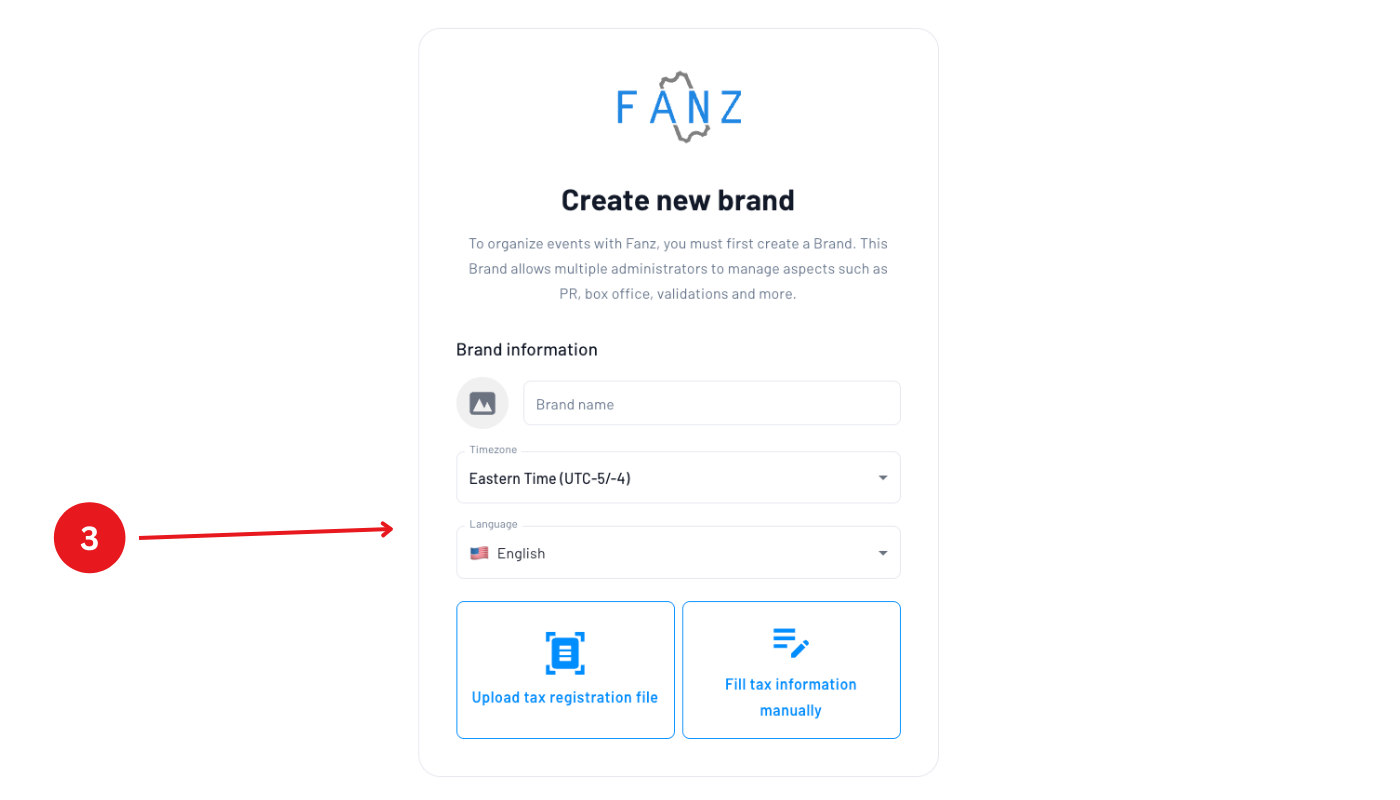
Once you sign in for the first time, the system will ask you to create your first brand.
What is a brand?
A brand in Fanz is a container that groups:
- Events
- Team members
- Mercado Pago account
- Custom website
- Branding (logo, colors, domain)
You can have multiple brands if you manage different businesses. For example:
- One brand for your theater
- Another brand for your bar
- Another brand for your event production company
Fill in the information:
- Brand name – Example: "Luna Negra Theater" or "XYZ Productions"
- Organization type – The type of organization you run (e.g. theater, festival, venue, production company). Fanz saves this selection to tailor your experience and reporting from the moment you sign up.
- Entity type – Individual or company
- Tax ID – Your tax identification number
- Legal name – Official company name
- Fiscal address – Legal business address
- Website assignment (if you already have websites created):
- No website (unassigned), or
- one of your existing websites
Important: If you already have websites, this selection is required when creating a brand.
Step 4: Confirm and access the dashboard
Once you complete the information, click "Create brand" and you'll be inside the Fanz dashboard.
The brand is created with the website assignment you selected (or unassigned if you chose that option), and your organization type is saved so Fanz can tailor your experience and reporting right away. You can change other brand details later from Settings → Brand.
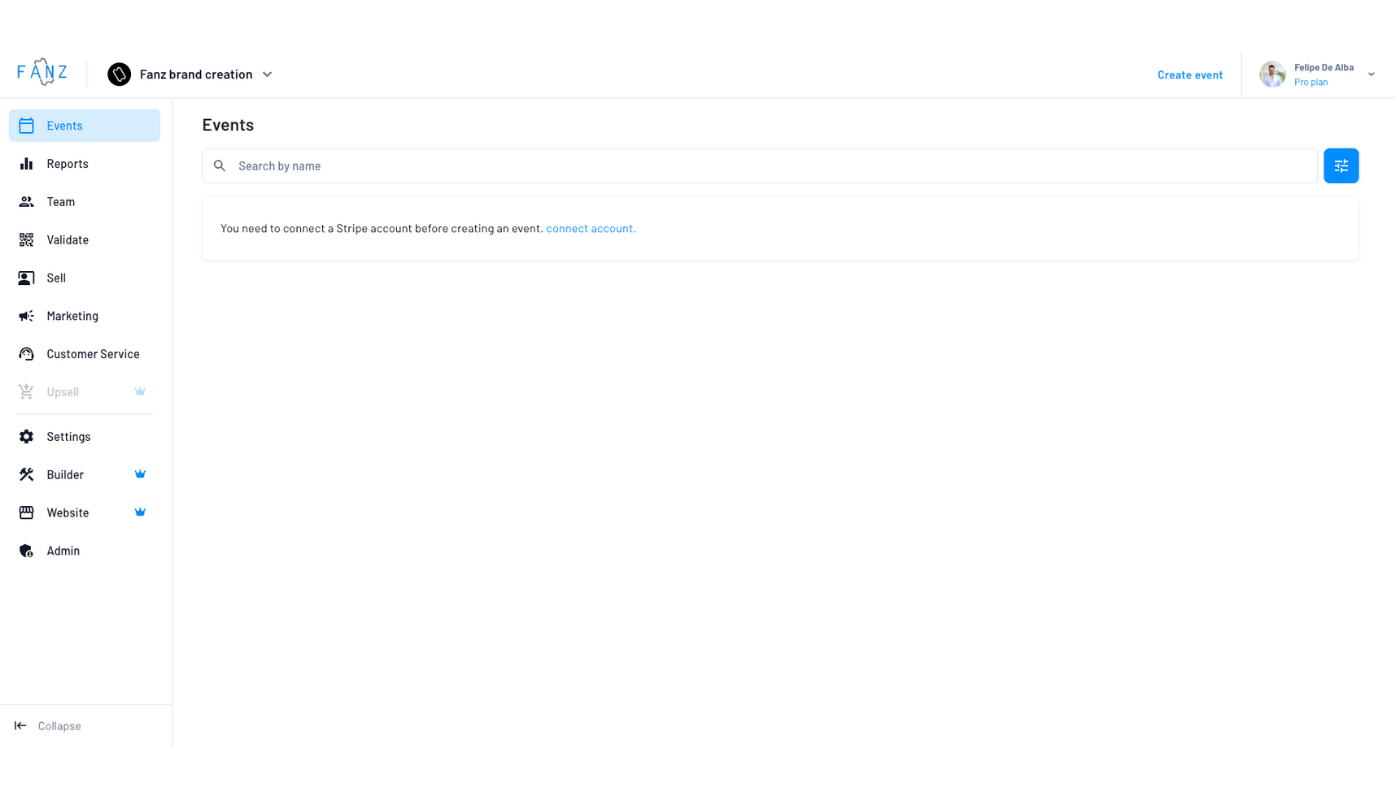
Congratulations! Your account is now created.
Next steps
Now that your account is ready, follow these steps:
1. Connect your payment account
Depending on your country, you'll need to connect a different payment processor:
- Argentina → Connect Mercado Pago
- Mexico, Colombia, Chile, Uruguay, Paraguay, Peru, Bolivia, Ecuador → Create a DLocal account
- United States and other countries → Connect Stripe
2. Create your first event
Once your payment account is connected, you can create your first event and start selling tickets.
Frequently asked questions
Yes, you can register with any email using the "Sign in with email and password" option. However, we recommend Google for security and convenience.
Yes, you can create as many brands as you need. Each brand has its own settings, team, and payment account. Also, each brand can be assigned to a different website or left unassigned.
Yes, creating an account is completely free.
Yes, you can invite team members at any time after creating your brand. You can assign custom permissions to each member based on their role. For more details on available roles and permissions, check the Team & Roles section.
Yes, you can have as many team members in a brand as you need. Each person logs in with their own email and has their own account within the brand.
A brand is the main container that holds all your business information: events, team members, and payment settings. An account is an individual user (team member) who has access to one or more brands. Think of a brand as your business, and accounts as the people who work on it. Websites are configured separately, and each brand can be assigned to a specific website (or left unassigned).
Yes. You can assign, change, or unassign a brand's website later from Settings → Brand.
Yes, you can edit all your brand information at any time from the brand settings.
The organization type you select when creating a brand is saved by Fanz and used to tailor your dashboard experience and reporting from the moment of signup. It helps Fanz surface the most relevant features and data for your type of organization.
All brand fields are manually validated to verify your business is legitimate. This validation process doesn't disable any features—you can use Fanz normally while we review your information. Validation typically takes 1-2 business days.
Yes! You can schedule a free demo call with our team to get personalized onboarding assistance: Book a demo
If you created your brand with incorrect data, you can always edit it from the settings. And if that's not enough, you can also delete it and create a new one.